First Use — Unboxing Either Fogger
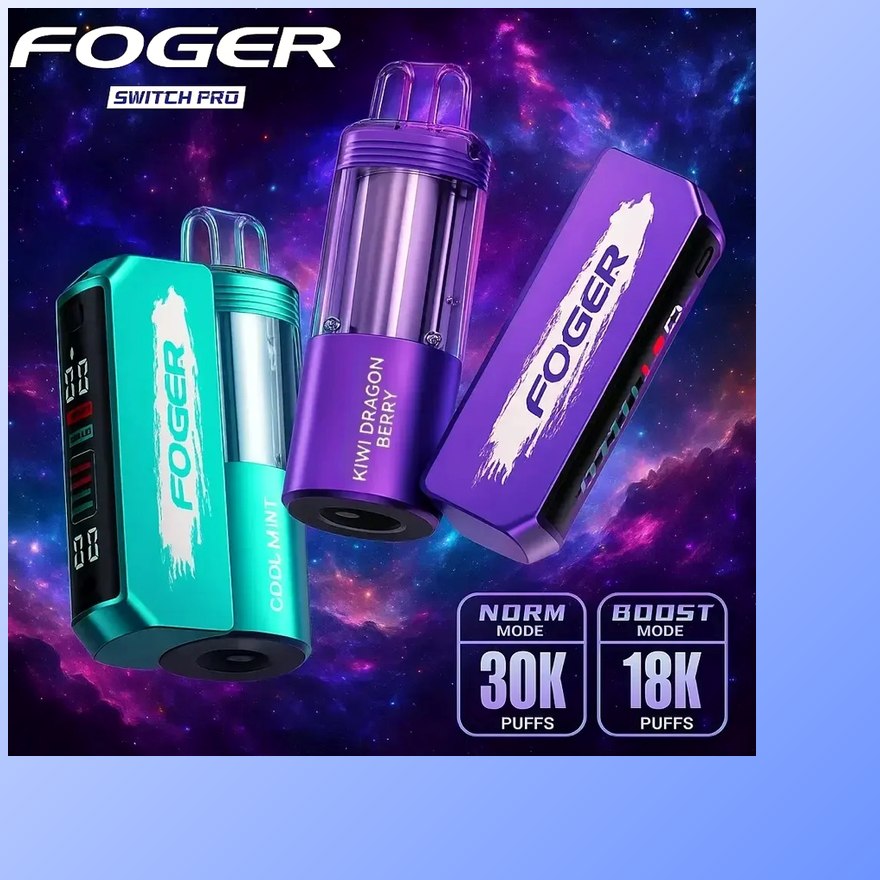
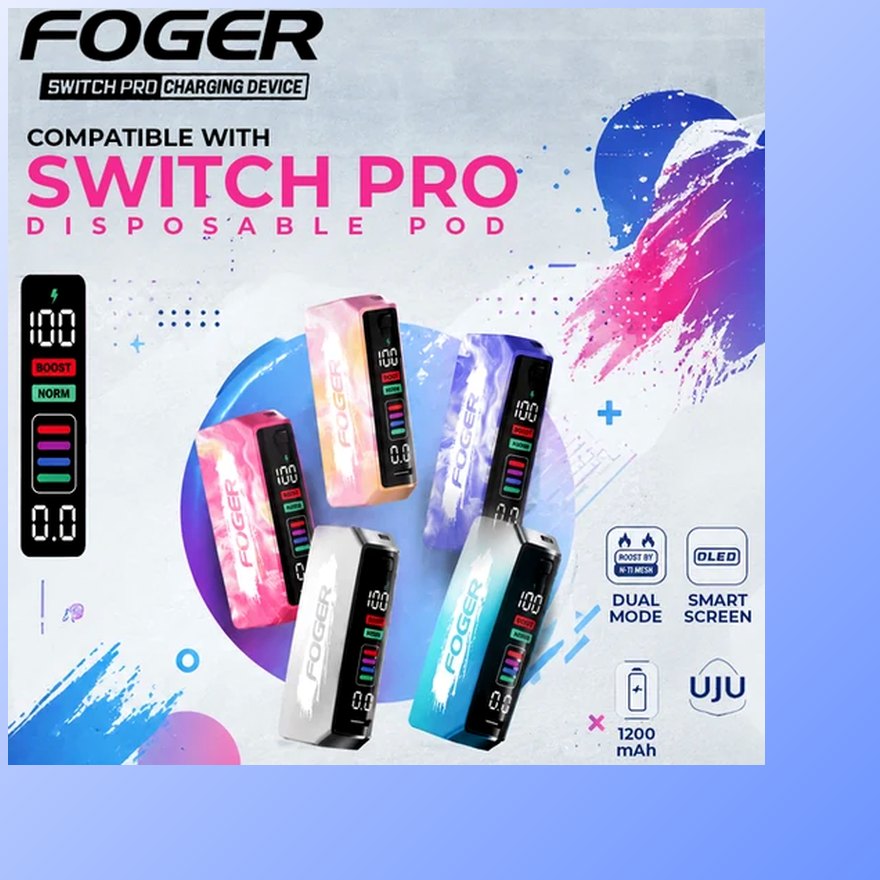
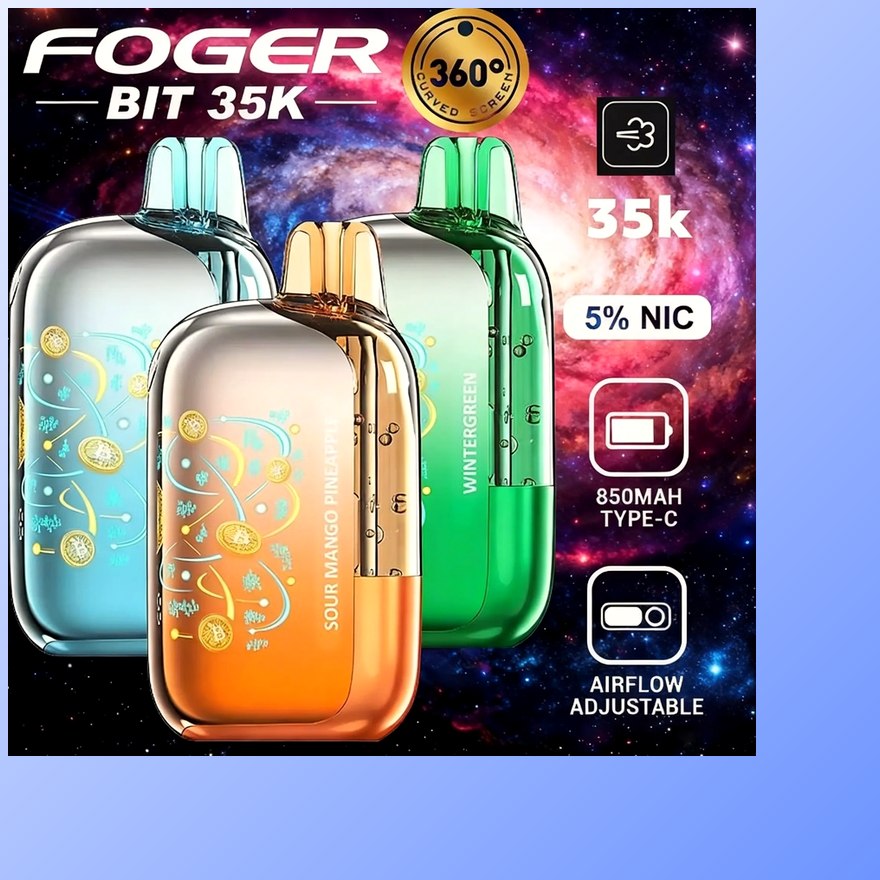
Both devices ship ready: no filling, no priming ritual, no settings. Peel the wrap, pull the silicone cover off the mouthpiece, and remove the contact sticker — the small tab everyone misses, and the number-one reason a brand-new device "doesn't work." On the Switch Pro 30K, unwrap the pod separately, strip its contact cover, and click it onto the magnetic dock; the magnets self-align, so if it sits crooked something (usually that sticker) is still in the way. Then draw — both platforms fire on inhale with no button. Keep the first few puffs short: one-second draws wake the coil gently and are the right habit for 5% strength anyway. The Bit 35K's OLED lights on first draw and shows battery and juice from minute one.
The Fogger Pod Swap — Switch Pro Only
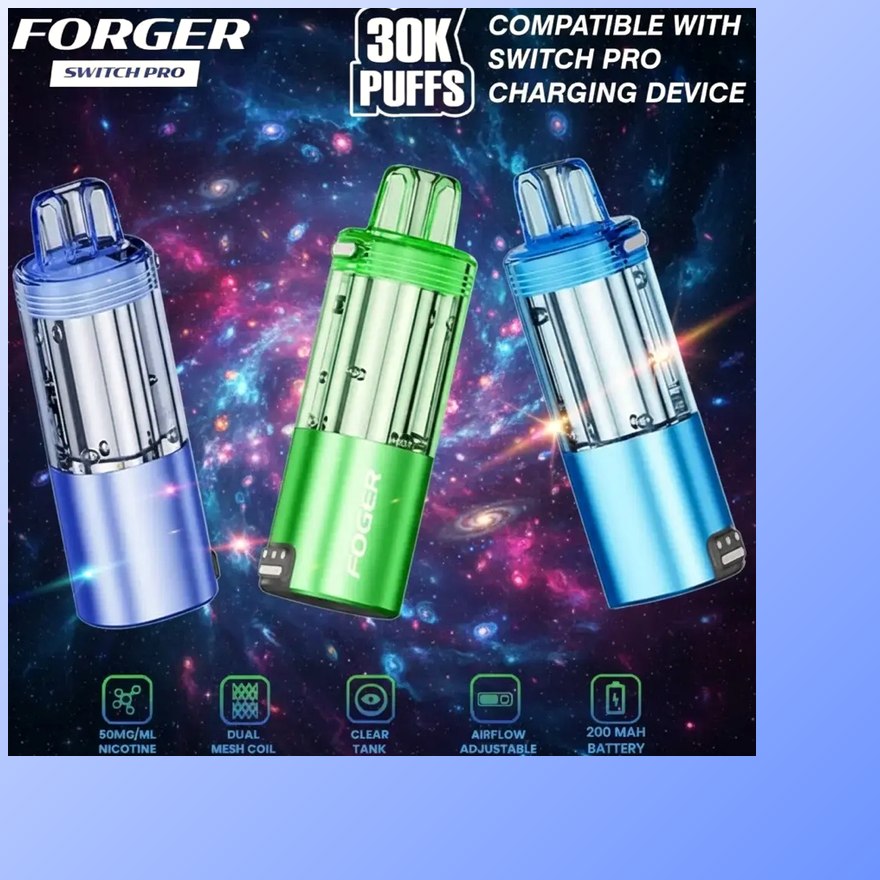
When a Switch Pro pod runs dry — thinning flavor, weaker vapor, juice readout at empty — the swap is the whole maintenance routine: grip the pod and pull straight up off the dock, unwrap the new fogger replacement pod, strip its contact cover, and click it down. Two seconds, no tools. If the fresh pod doesn't fire: lift it back off, check for a missed sticker, wipe the metal contacts dry on both sides, reseat. The pods are sealed units — they are not refillable with bottled e-liquid, and opening one ruins the coil, so "refilling a Foger" always means swapping the pod, never syringing liquid. Spare pods keep best sealed, cool and out of sunlight; a glovebox in July is the worst storage spot in America.
Fogger Screen Readouts & the 188 Code
The readouts do the diagnostics for you if you trust them. Battery and e-liquid are separate gauges — the single most useful thing to internalize, because the fix for each is different: battery low means a USB-C top-up; juice empty means a new pod or, on the Bit, a finished device. The plain question — what does 188 mean on a fogger — has a plain answer: the 188 readout that generates so many searches is the Switch Pro signaling charging/battery status — it is not an error code. If 188 shows alongside vapor cut-out, run the sequence: pod off, contacts inspected and dried, pod reseated, battery on the cable for twenty minutes. That clears it in nearly every case; persistent 188 on a full battery with clean contacts is the rare genuine-fault case — if the device just arrived, reach the team within 3 days of delivery with the order number and a photo or video of the screen. Searches for fogger error 188, fogger code 188 or a screen flashing 188 all land on the same non-fault: the number is a charge state, not a fault code, so a device blinking 188 on the cable is doing what it was built to do. A blinking screen right after plugging in is normal charging behavior — the full checklist lives in the charger guide.
Fogger Burnt Taste, Weak Vapor & End of Life
Burnt taste has two causes and two fixes. Mid-life, it's chain-vaping: back-to-back draws overheat the coil, so space puffs a few seconds apart and the flavor recovers on its own. Late-life, with the juice bar low, it's the tank finishing — swap the pod or retire the Bit, because pushing a dry coil bakes the burnt taste in permanently and recharging does nothing for it. Weak vapor splits by gauge: with low battery it's a charging matter; with full battery and low juice it's the same end-of-life signal. And end of life itself is always the e-liquid on these devices — batteries recharge indefinitely within the tank's lifespan, so when the juice reads empty, that's the finish line. On the Switch Pro that moment costs $16.99 for a new pod; on the Bit it's a new device, and the flavors list is the natural next stop either way. Shipping, age checks and anything not covered here live on the fogger FAQ. For what a normal lifespan looks like in days, by tank size and mode, see how long a fogger lasts.